Every Minecraft skin, delivered client-ready
Drop in a 64x64 Minecraft skin and get back the Bedrock .mcpack, the Java PNG, an HD upscale, a UV layout sheet and 3D preview renders. One pass, one download, nothing left to assemble by hand.
No account needed for the free tools.
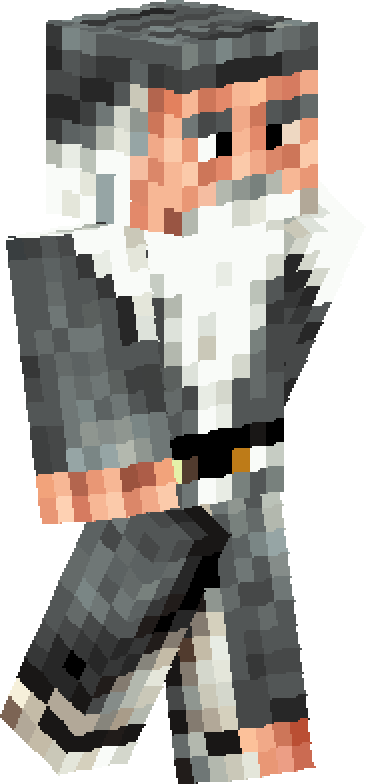
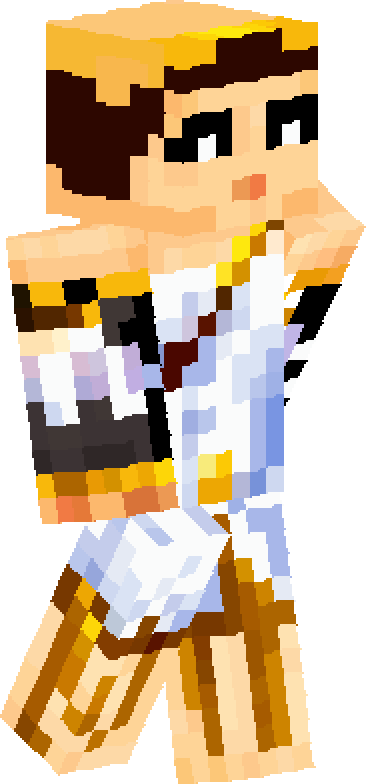
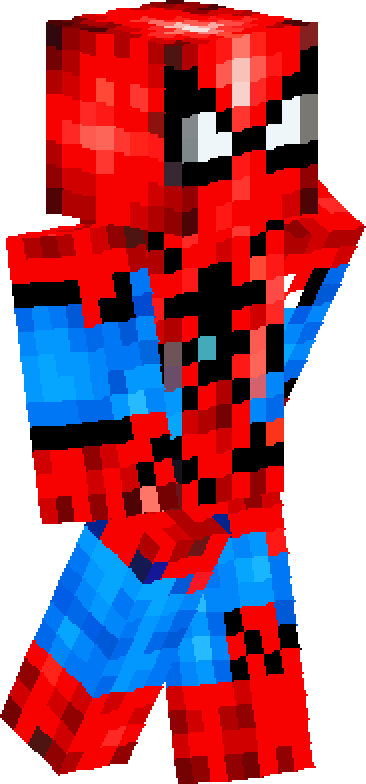
Drop a Minecraft skin in, take the whole bundle out
The free tools run in your browser. Nothing is uploaded to a server.
Bedrock .mcpack
Convert a Minecraft skin into a Bedrock .mcpack right now. Runs in your browser, no account, no upload.
Open the converterSample skins


What a finished delivery looks like
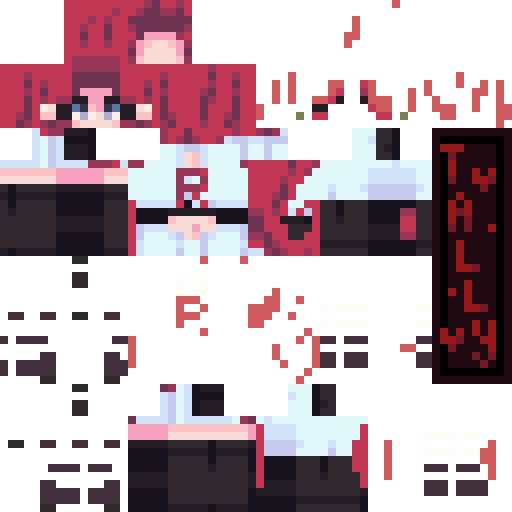
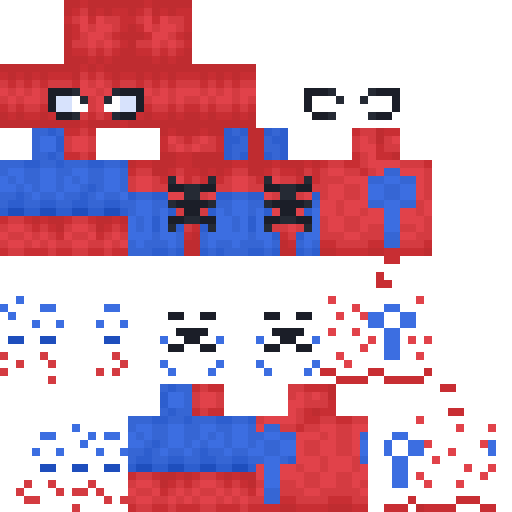
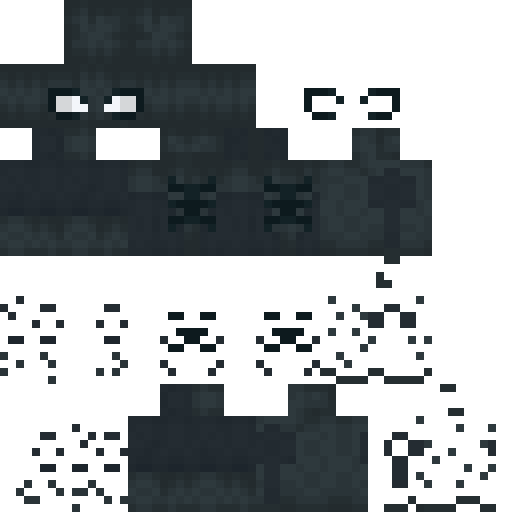
The same Minecraft skin as a flat texture and as a render a buyer can actually look at.
64x64 texture
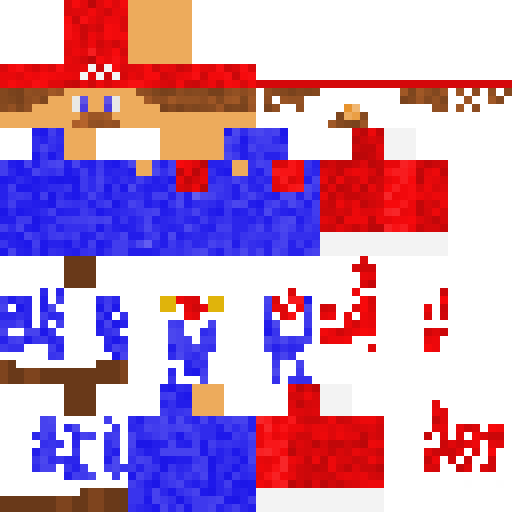
3D render
Sample art shown for layout purposes only.
The art takes an hour. The delivery takes another.
Drawing the character is the part you enjoy and the part the buyer pays for. Everything after it is unpaid assembly work, and it is where the hours in a Minecraft skin commission quietly disappear.
01Packaging by hand
Bedrock will not read a bare PNG. A Minecraft skin has to arrive as a zip with a manifest, a skins.json and a language file, and a geometry string that matches the arm width. Choose the wrong one and the arms sit a pixel off, and what the buyer opens looks broken.
02Screenshots instead of renders
Load the game, apply the Minecraft skin, pose the character, crop four angles, stitch them together. Fifteen minutes an order that no client has ever agreed to pay for.
03Revisions that restart the job
A buyer asks for silver hair instead of black. A prompt-based generator gives back a different character entirely, so the whole piece starts over and the revision costs more than the original.
04A queue that moves at your speed
Orders stack up behind each other. The listing says two people ahead, and the buyer who wanted it tonight goes to whoever can answer first.
None of this is skill. It is file handling, and file handling is the part a Minecraft skin tool should be doing for you.
Four things that turn a texture into a delivery
Each one replaces a step you are currently doing by hand on every Minecraft skin you deliver.
Bedrock .mcpack packaging
Builds the manifest, the skins.json and the en_US language file, picks the right geometry for wide or slim arms, and writes fresh UUIDs so the pack never overwrites one the buyer already installed. Out comes a single file they double-click to import.
Java PNG exported alongside it
HD upscale
Takes a 64x64 Minecraft skin up to 128x128 or 256x256 with the pixel edges kept hard, so detail that was only suggested at the base size can actually be drawn. Import an existing texture and keep working at the larger size.
Needs a client that reads HD skins
UV layout sheet
Head, headwear, body, both arms and both legs laid out face by face and labelled, at whatever zoom you need. The Minecraft skin reference a picky buyer asks for when they want to check a detail before approving.
Classic and slim layouts
3D preview renders
A turntable loop, a four-angle contact sheet, a walk cycle that shows the second layer moving, and a cover image at the exact size a gig listing wants. The presentation set, without opening the game.
Transparent or backdrop
Built around how a commission actually runs
Most Minecraft skin tools stop at the moment the texture is finished. That is roughly halfway through the job.
Doing it by hand
- Export the PNG and hope the arm width is right
- Build the Bedrock pack in a zip tool, from memory
- Open the game to take presentation screenshots
- Crop and stitch four angles in an image editor
- Redraw from scratch when a revision comes in
- Write the import instructions again for every buyer
Running it here
- Arm width detected, geometry set to match
- Pack built and validated before it downloads
- Renders produced without launching anything
- Contact sheet and cover image generated together
- Revisions edit the character instead of replacing it
- Import instructions written into the delivery
The time this gives back is the time you were not being paid for.
Pricing
The free Minecraft skin tools stay free. The workbench is for people taking orders.
Free
See what the toolkit does
Free
- 3 exports per day
- Bedrock .mcpack packaging
- 3D preview renders (watermarked)
- UV layout sheet
Pro
For sellers taking commissions
$29/month
- Unlimited exports, no watermark
- Full showcase pack per skin
- HD upscale to 128x128 and 256x256
- Revision history on every character
- Commercial usage rights
Studio
For teams and high-volume shops
$79/month
- Everything in Pro
- Team seats and shared asset library
- Batch queue for bulk orders
- White-label client delivery pages
- API access
Billing is not live yet. Joining the waitlist costs nothing and holds launch pricing.
FAQ
The questions that come up before someone signs up.
No. SkinMaker is not an official Minecraft product and is not approved by or associated with Mojang or Microsoft. Minecraft is a trademark of Mojang AB. We build tools that work with the Minecraft skin format; we have no affiliation with the people who own the game.
It is the skin pack format Bedrock Edition reads, which covers mobile, console and the Windows editions. Bedrock cannot import a bare PNG, so if a buyer plays anywhere other than Java on PC, a .mcpack is what turns your Minecraft skin into something they can actually wear.
Classic, the Steve proportions, has four-pixel-wide arms. Slim, the Alex proportions, has three. The difference changes where the arm faces sit in the texture, and a Minecraft skin packed with the wrong setting puts the arms one pixel out of place. The tools read the width from the file rather than asking you to remember.
Java Edition on its own reads 64x64 only, so a 128x128 Minecraft skin needs OptiFine or another client with HD skin support. We say this plainly because a buyer who cannot use what you sent them will ask for a refund. Every HD export comes with a 64x64 version alongside it.
Not in vanilla Java, where capes are only the ones Mojang hands out and players cannot upload their own. Third-party clients such as OptiFine, LabyMod and Cosmetica do allow it. Bedrock support varies between versions, so we are not shipping cape packaging until we have tested it on current builds rather than promising it now.
Yes. Paid plans include commercial usage rights, which is the point of the product. The free tier is there so you can check the output against the Minecraft skin work you already deliver before paying for anything.
The free browser tools do the work locally and never send your Minecraft skin anywhere. Workbench features that need a server keep files only as long as the job runs, and you can delete a project and everything in it at any time.
Packaging and rendering are in development now and ship first, because they replace the most hand work. The waitlist gets access as each one lands, in the order people joined.